The suite
One workspace. Fourteen apps. One agent.
Real .docx, .xlsx, .pptx and PDF, plus the inbox, calendar, meetings and channels the work happens on — operated by one agent, behind one approval gate.
14
Apps, each with its own mark
243
Built-in agent tools, every namespace
4
Real file formats: .docx, .xlsx, .pptx, .pdf
1
Approval gate across all of them
The editors
Real file formats, edited through the same operations you would use by hand.
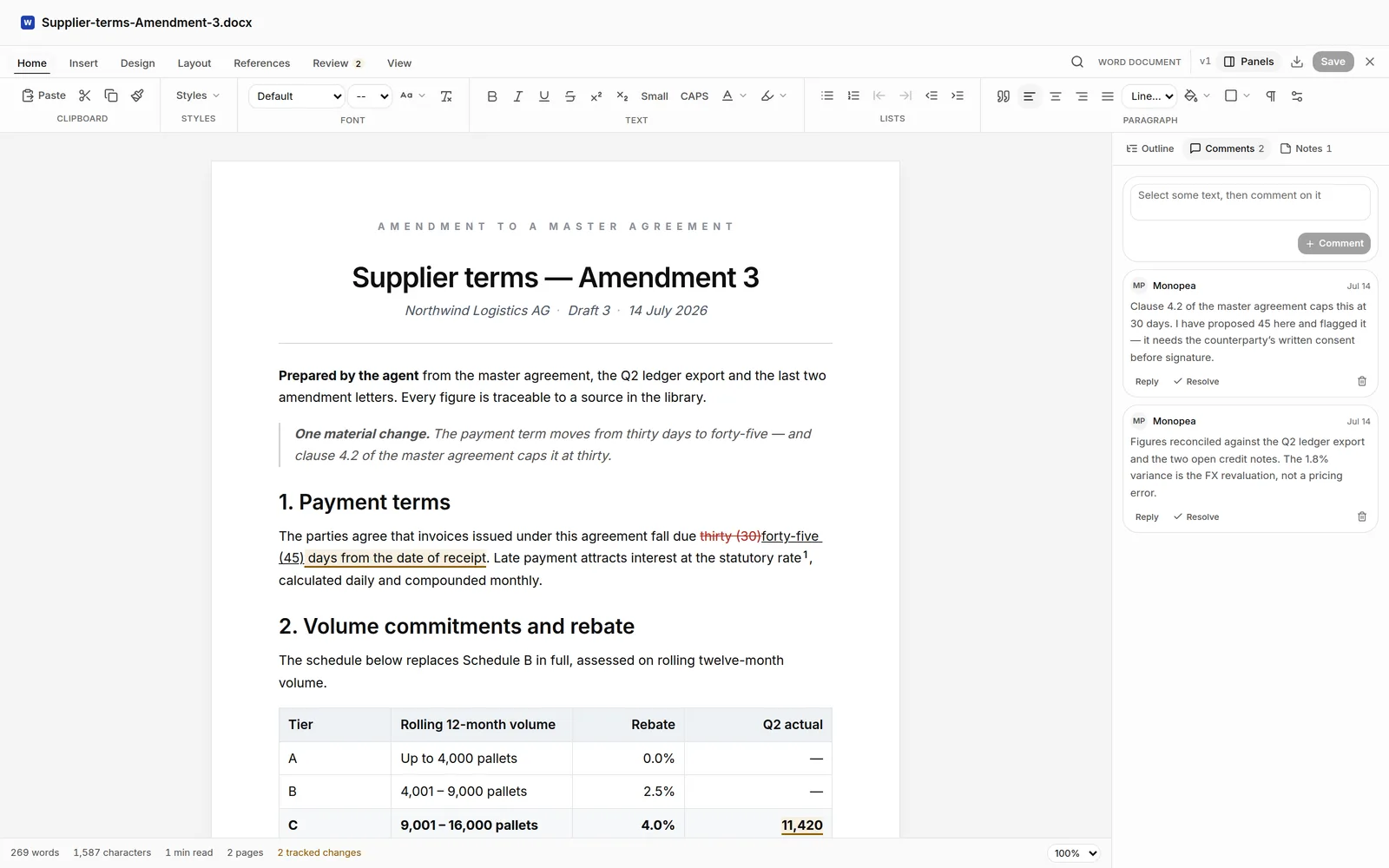
Documents
Real .docx files — drafted, marked up and revised by the agent through the same operations you would use by hand, then exported as the Word file your lawyer opens.
Explore DocumentsSpreadsheets
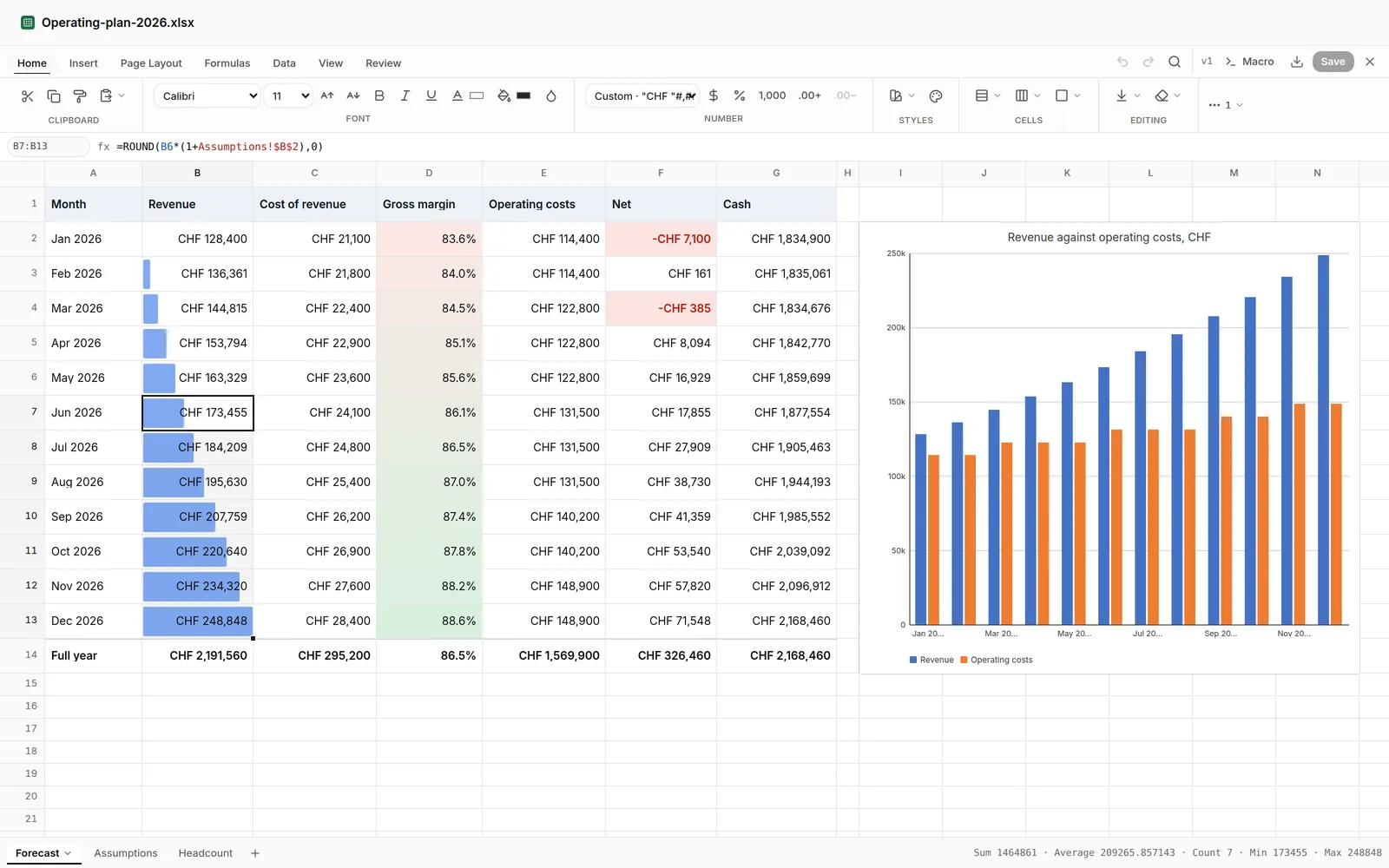
Real .xlsx — formulas, charts, pivots and validation written cell by cell, so the sheet does the arithmetic and you can change an input and watch it recalculate.
Explore SpreadsheetsPresentations
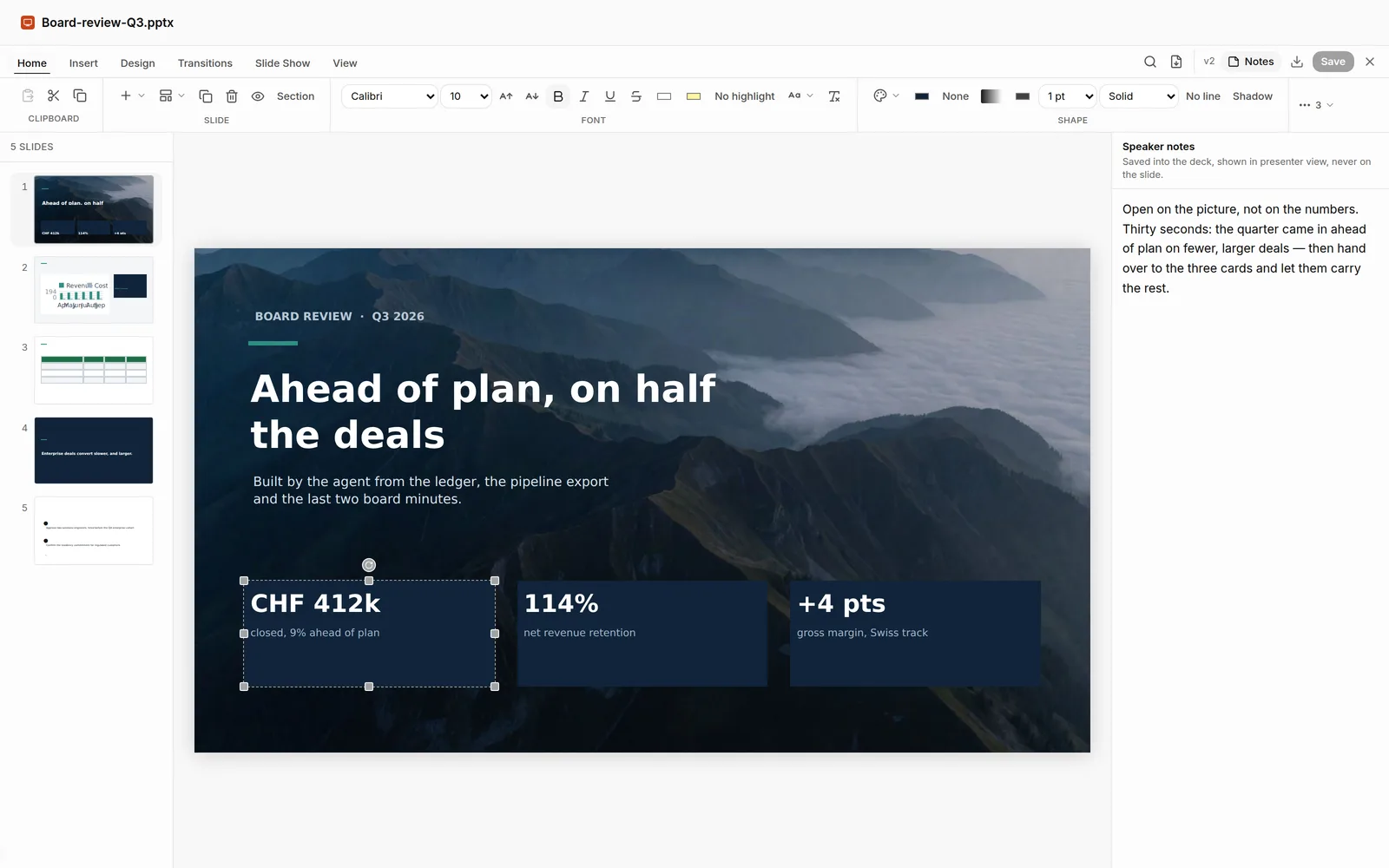
Real .pptx — layouts, charts and a running argument composed from your brief or your document, with the speaker notes written where a presenter expects them.
Explore PresentationsMerge, rotate, reorder, extract, fill, flatten and stamp — the twenty minutes a scanner costs you, done by the agent on the real file.
Explore PDFNotes
Markdown notes that live in your channels — outlined, extended and ticked off by the agent, opened by the same editor the Library uses.
Explore NotesThe workspace
Mail, calendar, meetings, channels and the team — where the work happens.
Accounts, threads, attachments and search in the same workspace as your files — the agent works from what it reads, and sending stays a thing you do.
Explore MailCalendar
Availability, conflicts, recurrence and RSVPs — the deepest tool surface in the workspace. Changes land in your calendar where you can see them; the invitations are the part that waits.
Explore CalendarMeetings
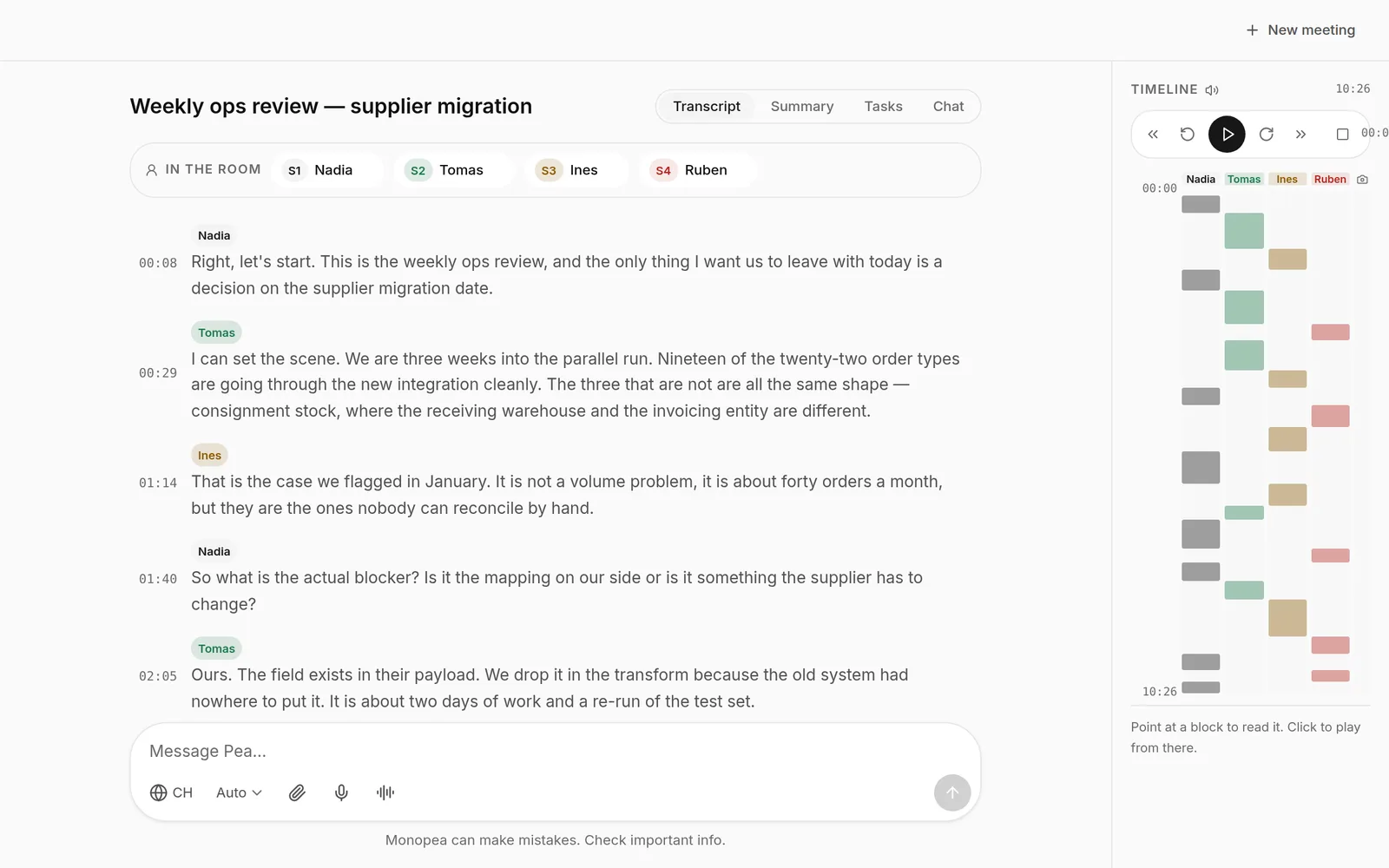
Transcription runs in the browser, so the audio does not have to leave the machine. Summaries, actions and who-spoke-when come out of the transcript.
Explore MeetingsChannels
Threads, tasks and a living canvas per channel — edited by people and the agent side by side, in the same workspace as the files the work is about.
Explore ChannelsTeams
Members, roles and per-project scope, and agent personas with their own brief — the agent can run the workspace admin it is authorised for, and changes to who sees what are proposals.
Explore TeamsWhat powers them
Memory, tools and the agent teams that operate everything above.
Library
Files, long-term memory and a knowledge graph the agent builds as it reads — consulted on every turn, with the evidence behind an answer graded so you can see how well-supported it is.
Explore LibraryCatalog
Connect any MCP-compatible server, or build a tool library from API documentation. New tools start needing approval, and credentials are referenced as {{secret:NAME}} — never shown to the model.
Explore CatalogAgent flows
A canvas for per-project agent teams: who runs, who supervises, and what each one may read. Every sub-agent inherits the same gate, and a stop cascades to everything it delegated.
Explore Agent flowsTools
Ask for a runway calculator, a pricing what-if or a loan schedule and it appears in the chat as a tool you drive yourself: inputs, Excel formulas and projections, recalculated as you move them. No code runs — Monopea evaluates the formulas.
Explore ToolsThe real thing
Photographs of the product doing the work.
Every picture is a capture of the running app — no mock-ups.
Pick one app. The agent comes with all of them.
Open a workspace, give the agent a task, and approve what it proposes. Stored in Switzerland, processed in the EU.